 PC Tether
Control your PC from your phone Your PC,
in your pocket.
Your Windows or Mac desktop, live on your Android phone. Pick up where you left off, from the next room or another country.
Free in early access · Windows, Mac + Android · end-to-end encrypted · iPhone coming soon
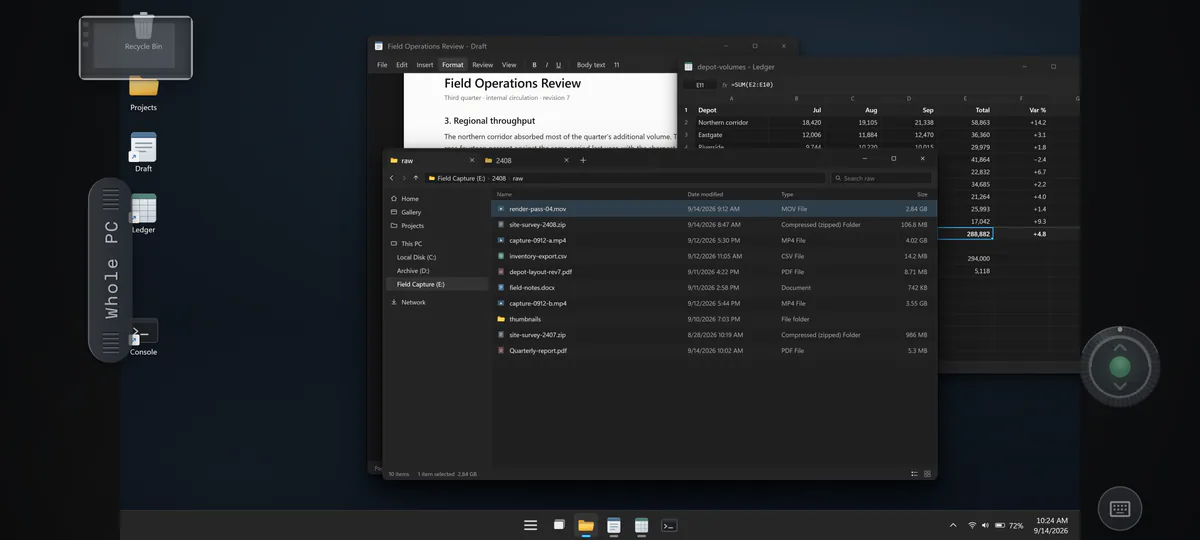
Captured from the real app, zoomed into the file window
Why PC Tether
Everything important lives on your PC.
Then you walk out the door.
PC Tether keeps the line open to the machine itself, wherever you are.
How to connect phone to PC Paired before you
finish reading this.
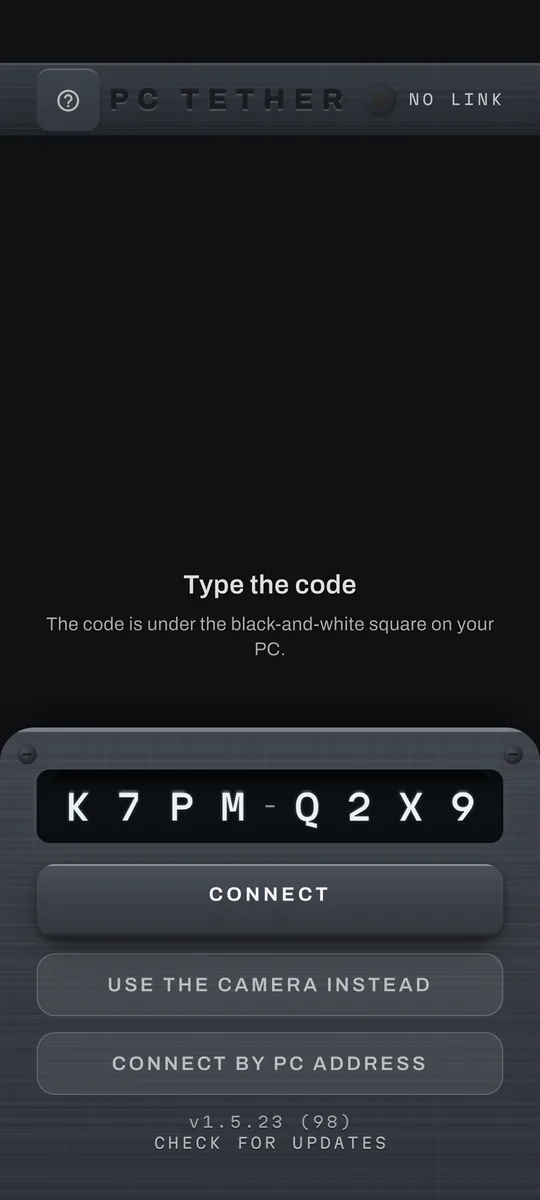
Open PC Tether on your PC. Scan the code, or type eight characters. That's the whole setup. Nothing to configure.
Direct, device to device, end-to-end encrypted.
How to control a PC by touch It feels like
touching the glass.
Your finger is the mouse. Tap where you want to click. Flick to scroll, and pinch when the print gets too small. Every gesture you already know lands on the real machine.
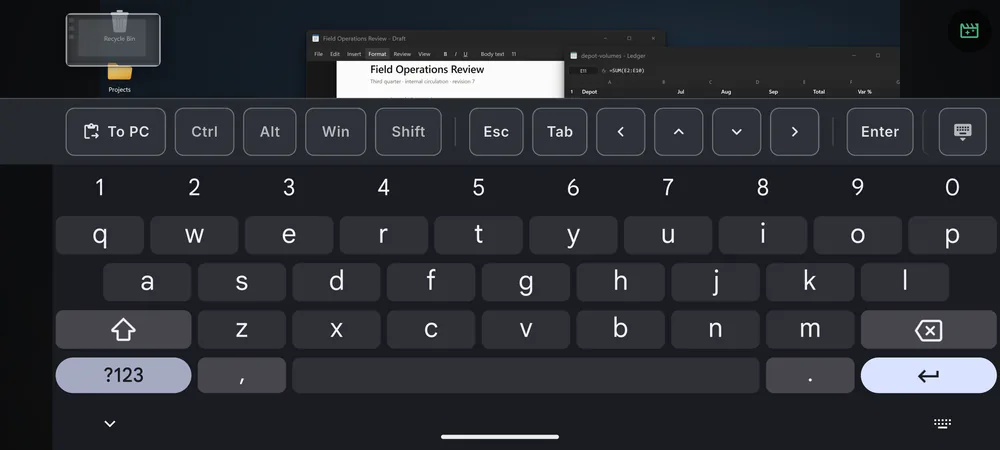
The keys your phone forgot · captured from the real app

Files and clipboard, both ways One swipe brings
the whole toolkit.
Seeing your screen is only half the job. The control sheet covers the rest.
- Clipboard, both waysCopy here, paste on your PC.
- Send & receive filesStraight across. No cloud.
- Hear your PCIts sound, on your phone.
- PC alerts, savedPinged, and kept in history.
- Lock itFingerprint or PIN to take control.
- Block screenshotsKeep the session off the record.
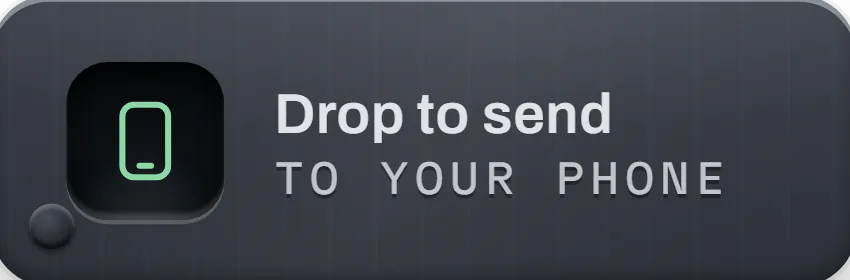
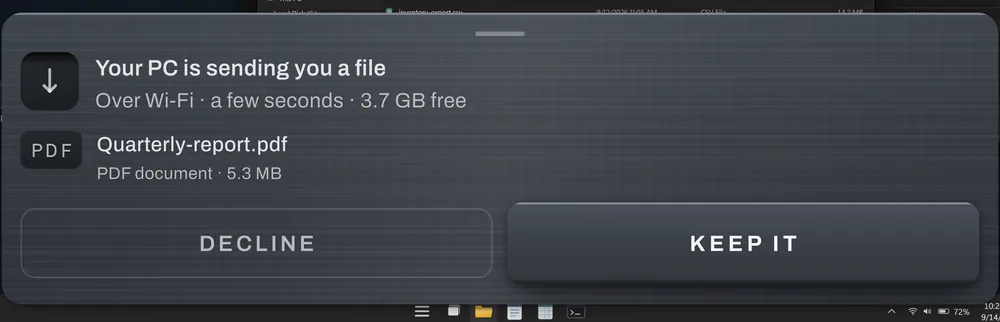
Send files from PC to phone Drag a file to the corner.
It flies to your phone.
Nudge a file toward the bottom-right corner of your screen, above the clock, and a shelf slides out to meet it. Let go, and it lands on your phone. No cloud in the middle, no cable. And no more emailing things to yourself. Go on: drag the file below.
Drag me to the shelf ↘
or press Enter
Can anyone see your screen? We can’t see your screen.
Your screen goes straight from your PC to your phone, sealed end-to-end. The relay that introduces the two only ever sees scrambled data, and no switch turns that off. This site sets no cookies, runs no analytics or trackers, and this page keeps nothing at all in your browser.
Download PC Tether free Free while we’re
in early access.
Nothing to pay, nothing to cancel. It's yours.
Android phone
From Google Play, or as a file.
Not on Google Play where you live, or no Play Store? The app file works on Android 7.0 or newer.
iPhone
Coming soon
Scan with your Android phone to open Google Play. Not offered where you are? Type pctether.com/dl/android in your phone's browser.
The Windows and Mac buttons are the PC half: installers for your computer that your phone cannot open, and the Windows one is 110 MB. Get the Android app first if you have not already. When you are next at your computer, go to pctether.com and get it there. Download it here anyway
Install help: the download and Windows warnings, work computers, the Mac, the Android file
If Microsoft Edge stops the download and says the file isn’t commonly downloaded, open its downloads list, point at PC Tether Setup and click the three dots that appear beside it, then Keep. A box then asks you to make sure you trust the file: click the small arrow on its Delete button, then Keep anyway, then Open file. Edge warns about programs it has seen few downloads of, and Tether is new.
If Windows pauses the first install with a box headed “Windows protected your PC”, click More info, then Run anyway. That box can still appear while Tether is new to Microsoft. Windows then asks whether to allow this app to make changes to your device, because this installer sets Tether up for everyone who uses the computer, not just your account. It shows 1000711712 Ontario Inc., the company behind Tether, as the publisher. Click Yes. If you would rather check the file yourself first, the fingerprints for every download are published, with the command to run.
Using a work or school computer? The question that asks to make changes to your device may ask for an administrator password instead of a simple Yes, and if you do not have one the install cannot finish. Use the version that installs just for you instead. It never asks for a password. The only thing it leaves out is signing in to Windows from your phone.
When PC Tether first opens, Windows may ask whether to allow public and private networks to access it. Click Allow so your phone can reach it.
On a Mac, the first time you open PC Tether, macOS says it was downloaded from the Internet and that Apple checked it for malicious software. Click Open. PC Tether then offers to move itself to your Applications folder. Click Move. The first time it starts, macOS asks to let PC Tether record the screen. Allow it, and choose Quit & Reopen when macOS offers. The next time it starts, macOS asks to let it control the computer. Allow that too.
On Android, install from Google Play. If Google Play says the app is not available in your country, or your phone has no Play Store, download the app file instead. Android then asks more than once, because the file does not come from the Play Store. Your browser may say the file might be harmful: choose Download anyway. If the phone then says it cannot install apps from your browser, tap Settings, turn on Allow from this source, and it takes you back. Tap Install. A box headed “App scan recommended” may then appear. If you would rather not send the file to Google, tap More details and then Install without scanning, because once the scan starts that choice is gone. Otherwise tap Scan app, wait about fifteen seconds, then tap Install when it says the app looks safe. These are the standard steps for any app that does not come from the Play Store; nothing has gone wrong.
- Install PC Tether on your Windows PC or Mac.
- Install the app on your Android phone.
- Open both. Scan the code your PC shows, or type it. Connected.
Remote access is free too, for now.
Away from your own network, your phone reaches your PC through our relay, which cannot read the sealed traffic. That takes a code. In early access the code is free and we email it straight away. It lasts 30 days from the first time you use it, here or in the app, and you have 90 days to start. One code covers four devices at a time, in any mix of computers and phones. On your own network nothing changes when it ends.
Leave your email and we'll send you a code.
One email with your code. Nothing else, ever.
The only things we keep are the email you type here, used just to send you a code, and a short note of which page you asked from. Never sold, never used for ads. Ask us any time and we'll delete it. Remove me
A code is only needed to reach your PC when you are away from your own network.
Your code is checked over an encrypted connection and never stored in your browser.